The Bulletproof Client Handoff Framework
Protect your builds from human error. Here is how to keep clients from estroying your design.

A practical workflow for repurposing one product recording into a Framer marketplace video, a thumbnail, and social posts for X and Instagram.
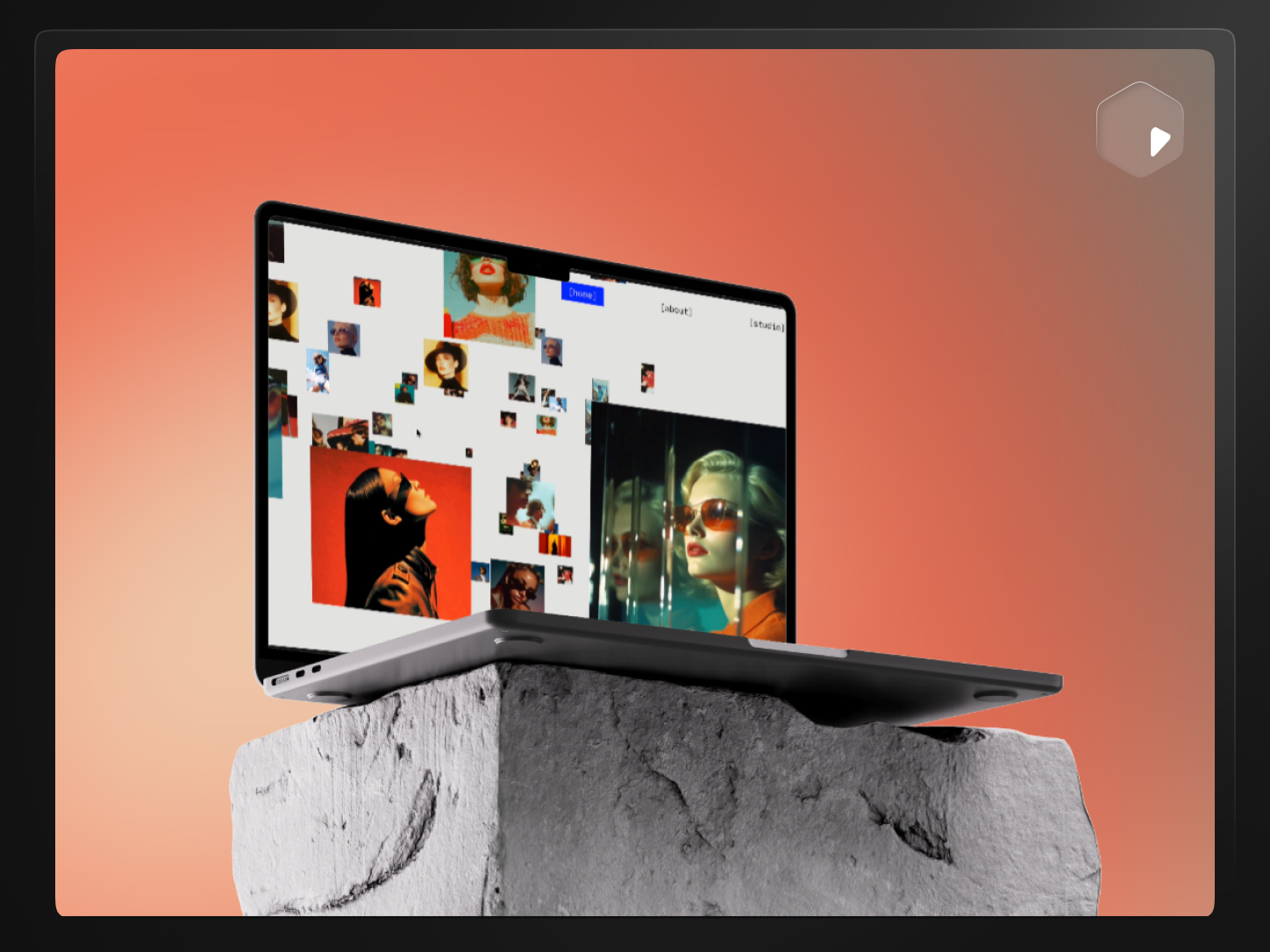
Direct answer: Repurpose one product recording for multiple platforms by keeping the source footage the same and changing only what each destination actually requires — export dimensions, crop, framing, and overlay text — instead of re-recording or rebuilding the presentation for every platform. PreviewKit exports the same import at each platform's preset size.
A launch usually needs more assets than time allows: a marketplace preview, a couple of social posts, a thumbnail, a link preview image. Recording separately for each one is the slow way to get there. A single clean recording, exported several different ways, gets you most of the way to all of them.
Because the product itself doesn't change between platforms — only the frame around it does. Re-recording for every destination multiplies the work without improving the result; the interface looks the same whether it's headed to a Framer listing or an Instagram post. What actually needs to change is dimension, crop, and framing, not the underlying footage.
Mainly the shape of the frame:
These are the preset shapes built into PreviewKit, matched to how each platform is typically consumed. Platforms adjust their preferred sizes occasionally, so treat these as a strong starting point and confirm against the current upload flow if a post looks cropped oddly after publishing.
Resizing the same crop into every shape usually looks wrong. A few things are worth adjusting per destination:
That's five finished assets from one recording session, each sized correctly instead of stretched or letterboxed into a shape it wasn't made for.
Reusing one recording efficiently is a production shortcut, not a guarantee of results. It won't make a post perform better on X or Instagram than content made natively for those platforms would — algorithms and audiences differ by platform, and no export preset changes that. What repurposing actually gets you is more finished assets from the same effort, not better odds that any specific one goes anywhere.
If you're earlier in the process and still deciding how to turn the raw recording into a first preview at all, start with how to turn a screen recording into a polished website preview.
Have one recording that needs to become a marketplace video, a thumbnail, and a couple of social posts?
No, as long as the original recording is clean and shows the product clearly. The dimension and framing changes happen at export, not at recording time.
A square 1080 × 1080 export is the most forgiving — it displays reasonably across most social platforms without the aggressive cropping a portrait or landscape shape can get on a feed it wasn't built for.
Generally yes. A marketplace thumbnail benefits from a short label since there's no separate caption. A social post usually has its own caption field, so on-video text can be lighter or left out entirely.
Not necessarily, and it's worth not expecting that. Repurposing saves production time; it doesn't replace platform-specific strategy, posting cadence, or what an individual audience responds to.
Short enough to make its point in the first couple of seconds, since feeds are built for scrolling past anything that doesn't immediately register. A marketplace preview can afford to run a little longer because the viewer has already clicked in.
PreviewKit exports each size as its own pass rather than a single batch action, but because the crop and trim decisions carry over from the same import, going from one export to the next takes minutes, not a full re-edit.
Powerful, self-serve product and growth analytics to help you convert, engage.

Let's bring your vision to life with standout design and expert development. Reach out to start building something exceptional together!