Webflow vs. Framer: The Unbiased Verdict
Speed VS structure. We break down exactly when to use Framer's and when to rely on Webflow's logic.

Protect your builds from human error. Here is how to keep clients from estroying your design.
You spent weeks perfecting the layout. The animations are smooth, the mobile responsiveness is flawless, and the site is finally live. You hand the keys over to the client, and within 48 hours, the entire website is destroyed.
If you are a freelance web designer or an agency owner, client handoff is often the most terrifying part of the job. At Oversight, we've seen it all, and we've learned that a successful handoff isn't just about delivering files—it is about building a foolproof system that protects the design from human error.
Here is our exact playbook for bulletproofing Webflow and Framer projects so clients can manage their content without breaking your layouts.
When a non-technical client gets full access to a visual development canvas, things go wrong quickly. Over the years, we have seen some absolute nightmares:
Because Webflow operates on true HTML and CSS logic, giving a non-technical client access to the main Designer is a guaranteed way to break the site eventually.
The Solution: The handoff must be locked down to the Webflow CMS and the Editor.
Most clients only care about changing copy, updating blog posts, or swapping out team member photos anyway. The CMS makes this incredibly easy and safe. We strictly educate clients to manage their content through the Editor interface, ensuring the underlying structure, classes, and containers remain completely untouched.
Framer is highly visual and feels much closer to a standard design tool. While other designers who buy our Framer templates usually customize them beautifully, non-technical clients can still get lost.
To safeguard our templates and custom builds across both Framer and Webflow, we never leave the client guessing. We build a dedicated "Getting Started" page directly into the project.
This internal page serves as a permanent, interactive training manual that lives right inside their workspace. It shows them exactly:
Side note: I currently have five premium Framer templates out in the wild, and I am always looking to see what you guys build with them. If you ever get stuck customizing one of my layouts, you can always reach out directly for help.
Building a bulletproof structure takes time, rigid class naming conventions, and perfectly linked variables. If you want a Webflow site that is mathematically designed to be easy for anyone to edit without breaking, you can skip the setup phase entirely.
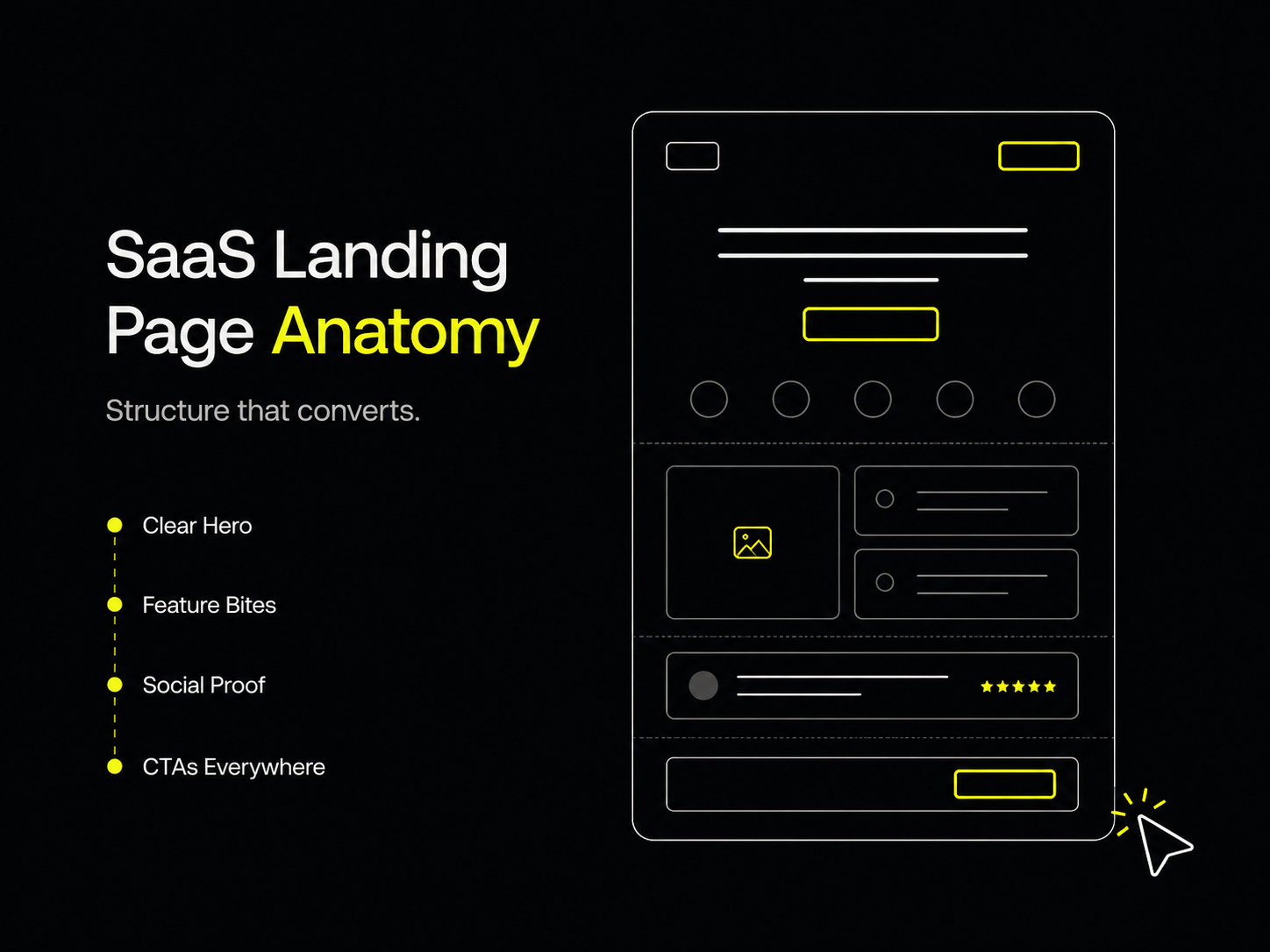
If you are building a SaaS or mobile app landing page, our Chapter template is the absolute best, easiest-to-manage template on the market.
It comes pre-loaded with our exact safe-editing structure and CMS setup, meaning you can launch your app this weekend and hand it off to your marketing team on Monday without losing any sleep.
Powerful, self-serve product and growth analytics to help you convert, engage.

Let's bring your vision to life with standout design and expert development. Reach out to start building something exceptional together!