The Bulletproof Client Handoff Framework
Protect your builds from human error. Here is how to keep clients from estroying your design.

A designer-friendly guide to writing Lovable website prompts with structure, spacing, motion, sections, and build kit references so landing pages feel more custom.
.png)
Direct answer: To make Lovable landing pages look less AI-generated, write prompts with exact section structure, spacing rules, content hierarchy, interaction behavior, theme direction, and responsive requirements. For specific sections, use a prompt + code build kit so Lovable has enough context to create something more custom.
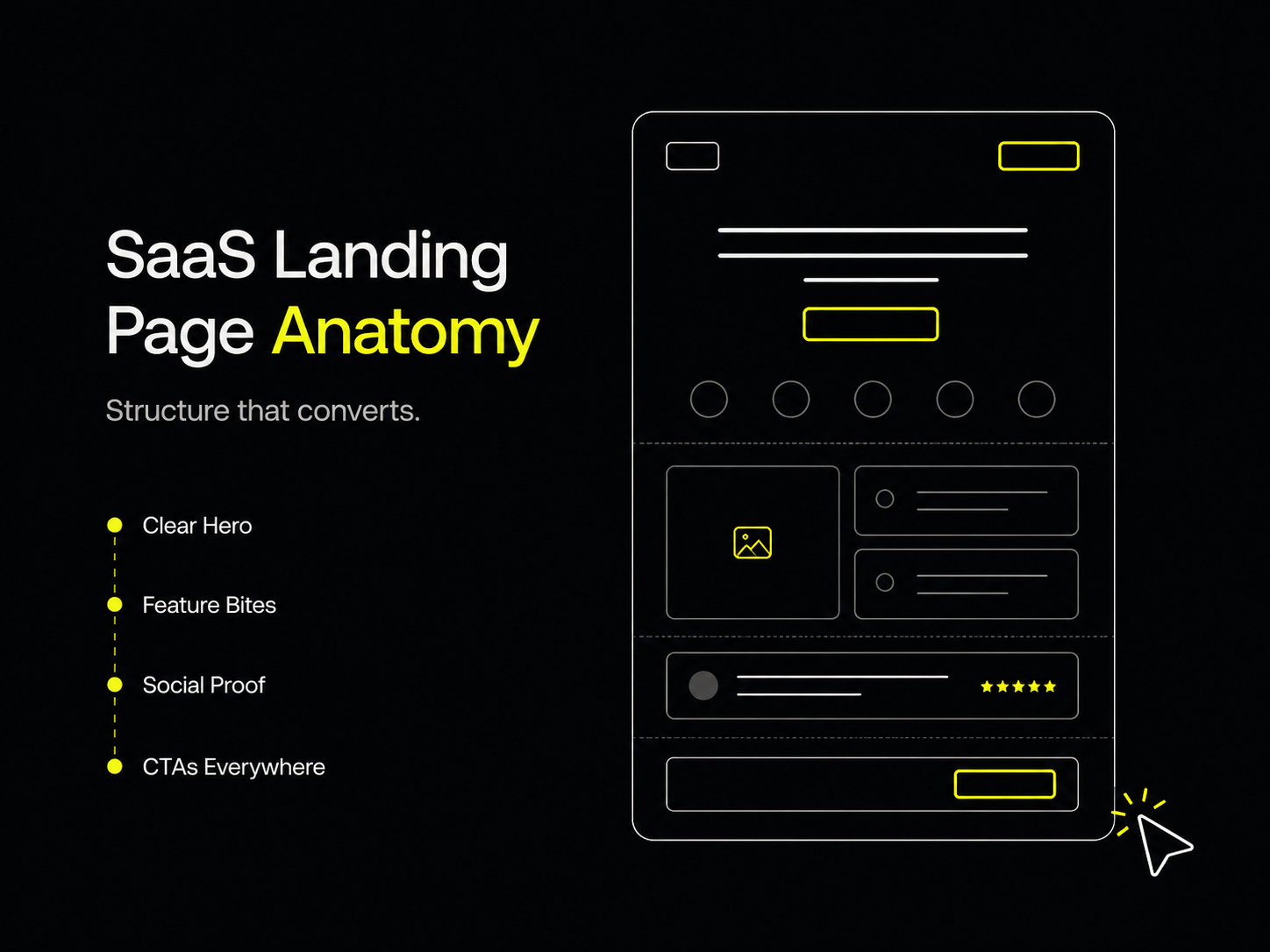
Lovable can move fast, but speed is not the same as taste. If your prompt is broad, the output will usually drift toward safe SaaS patterns: centered hero, soft gradient background, three feature cards, rounded buttons, and the same predictable testimonial block.
Instead of fighting that every time, use a structured prompt or a free build kit from LessAI Supply so Lovable starts with better constraints.
Lovable is trying to satisfy the prompt. If the prompt says “make a modern landing page,” the safest answer is a familiar layout. That is why so many AI-generated sites feel like they came from the same template pack.
The most common reasons are:
From building real websites and templates at Oversight, this is the part people underestimate. AI can generate layout, but it needs direction to generate taste.
A good Lovable website prompt should read more like a creative brief plus build spec than a simple request.
Start with the actual purpose of the page. Is it selling a template, launching a SaaS product, collecting leads, showing work, or explaining a product? The goal should decide the structure.
Use practical words, not empty words. “Premium” is not enough. Say what premium means: tighter spacing, stronger contrast, fewer gradients, editorial typography, restrained motion, dense but readable sections, or asymmetrical composition.
List each section with its purpose. For example:
Tell it what not to do. Negative constraints are not rude. They are useful.
For example:
This is especially important if you want a site to feel custom, editorial, technical, or product-led.
Yes, when you want a specific component. Lovable can work from prompts, but interactive UI needs stronger context.
GoalUse prompt only?Use prompt + code?Explore a landing page directionYesOptionalRecreate a specific React Tailwind sectionNoYesBuild an interactive gallery or motion sectionNoYesChange copy, theme, or layoutYesHelpful
LessAI Supply gives you build kits with prompt + code + usage notes + edit instructions. That means you are not asking Lovable to imagine the whole section from scratch.
The Curved Ring Archive is a good example because it is not a normal static block. It has interactive 3D gallery behavior, which is exactly where vague prompts usually fail.
Use this pattern:
Want a Lovable-friendly prompt that comes with real component code?
Get the free build kit on LessAI Supply.
Give Lovable specific section structure, visual hierarchy, spacing rules, motion behavior, responsive requirements, and examples of what not to do.
Use code when you want Lovable to recreate a specific component or interactive section. Prompt-only is better for quick direction, not exact UI.
Yes. Copy the build kit prompt, code, usage notes, and edit instructions into Lovable, then adapt the output to your project.
Powerful, self-serve product and growth analytics to help you convert, engage.

Let's bring your vision to life with standout design and expert development. Reach out to start building something exceptional together!