The Bulletproof Client Handoff Framework
Protect your builds from human error. Here is how to keep clients from estroying your design.

A practical guide to making a Framer marketplace preview video without After Effects, using one recording, honest sizing advice, and the right export tool.
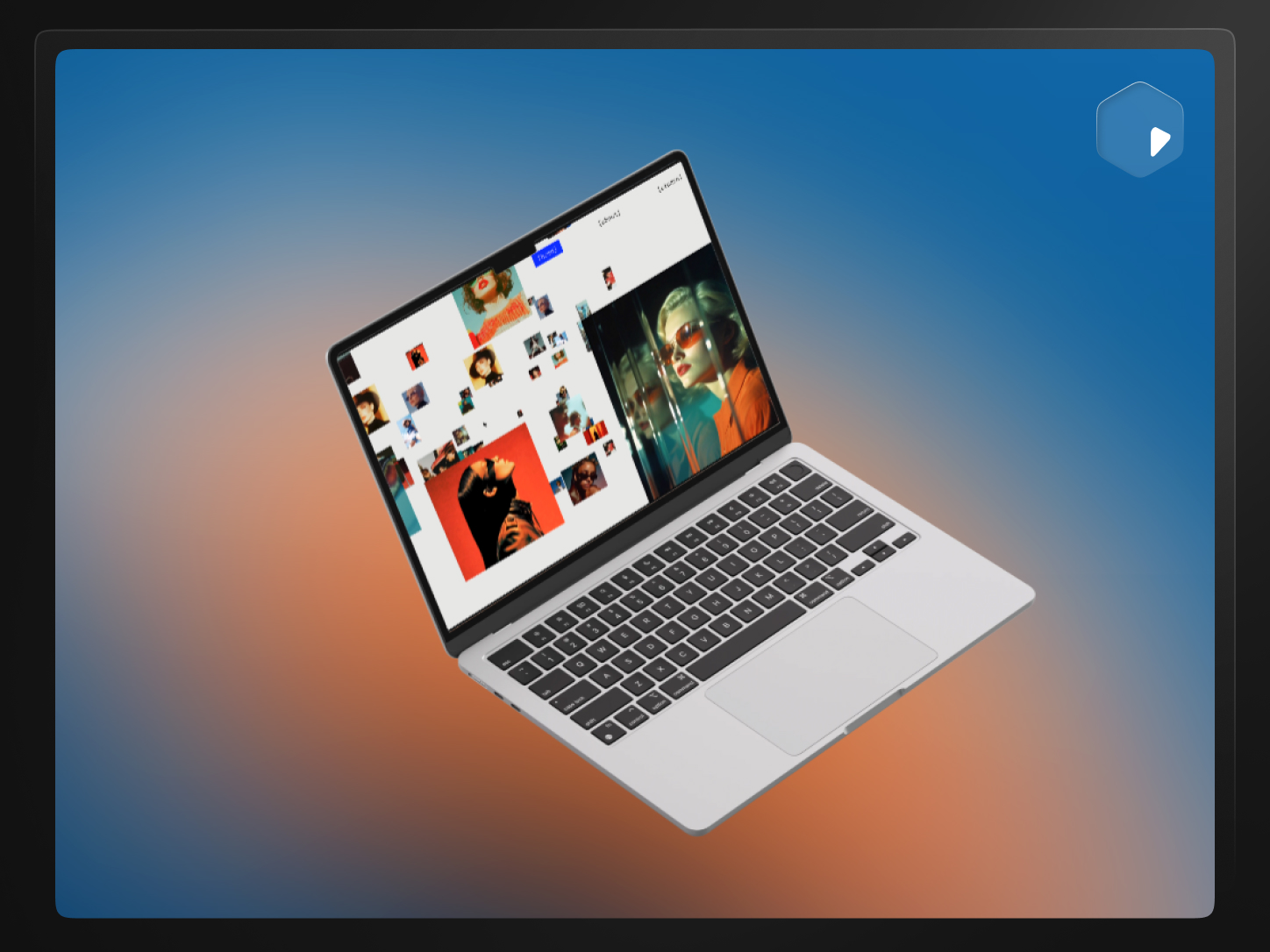
Direct answer: You can make a Framer template preview video without After Effects by recording the live template once and styling that recording in a browser-based tool — adding a device frame or background, cropping to fit, and exporting at marketplace size. PreviewKit does this with a built-in Framer preset, no motion-graphics software required.
Most Framer creators don't need a motion designer's toolkit. They need one clean video that shows the template working and sits at the right size in the marketplace listing. After Effects can absolutely produce that, but it's a heavy tool to open for a job that's mostly cropping, framing, and exporting.
Because a lot of the polished template previews people see do look like they came from a compositing tool — smooth camera moves, layered device shots, custom transitions. That's a reasonable thing to want to copy.
But most of that polish is doing one job: making a screen recording of the template look intentional instead of like a random clip. You can get most of the way there without building the animation from scratch in After Effects.
A buyer scanning the marketplace needs to see, in a few seconds, what the template looks like and how it feels to scroll through. That means:
None of that requires custom-animated transitions. It requires a good recording and a clean presentation layer on top of it.
The size creators use successfully is 1200 × 900 px (4:3). Worth being precise about where that number comes from: Framer's own public template best-practices documentation doesn't publish a specific pixel requirement — it only asks that "preview images accurately represent the template." The exact dimension may only appear inside the authenticated Creator Mode dashboard when you go to submit.
1200 × 900 is the de facto standard because it's what a Framer 3.0 preset in tools like PreviewKit targets, matching what's worked for creators submitting templates. If Framer's submission flow shows you a different number by the time you submit, use that — go with what the actual upload field asks for over any article, including this one.
Record the live template in your browser, not the Framer editor canvas. Close any browser extensions that add visible toolbars, use a reasonably standard browser window size, and scroll at a natural pace — slow enough to read, fast enough that it doesn't drag. Capture more than you need; it's easier to trim than to re-record.
Once you have the raw recording:
That's the entire workflow in PreviewKit — no keyframes, no render queue, no compositing panels.
If you also need a static thumbnail from the same recording, see how to create Framer thumbnails and Open Graph images faster.
Be honest with yourself about this instead of avoiding After Effects on principle. It's still the better tool when you need:
If what you actually have is one good recording of a template that already looks the way you want it to look, that's a styling job, not a compositing job — and it's worth matching the tool to the task rather than defaulting to the heaviest option available.
If you're still weighing Framer against Webflow for the build itself, our unbiased Webflow vs. Framer breakdown covers that decision separately from the preview question.
Have a Framer template ready and just need the marketplace preview sorted out?
Record at the highest reasonable resolution your screen supports — you can always scale down to 1200 × 900 on export, but you can't recover detail that wasn't captured. A standard laptop screen recording is more than enough source quality.
Yes. Trim the video for the full preview, then pull a single strong frame from the same footage as a still image for the thumbnail, instead of recording or designing them separately.
A still image is enough to submit, but a short video preview shows scrolling behavior and interaction that a single frame can't — which matters more for template-heavy, visually distinct designs than for simple ones.
Prioritize the sections that best represent the design rather than trying to show the entire page top to bottom. A buyer deciding in a few seconds needs the strongest parts first.
For custom animation, yes. For styling an existing recording — framing, background, crop, export size — the output quality comes from the recording itself, not from which tool applies the frame around it.
Yes, with different export sizes. See how to repurpose one product recording for Framer, X, and Instagram.
Powerful, self-serve product and growth analytics to help you convert, engage.

Let's bring your vision to life with standout design and expert development. Reach out to start building something exceptional together!